

PDF to PNG: Make Pages Readable as Images
Exporting a PDF page as PNG is useful for previews, presentations and reference snapshots. It is not the same as extracting original embedded photographs, and the result no longer behaves like an editable or searchable PDF page.
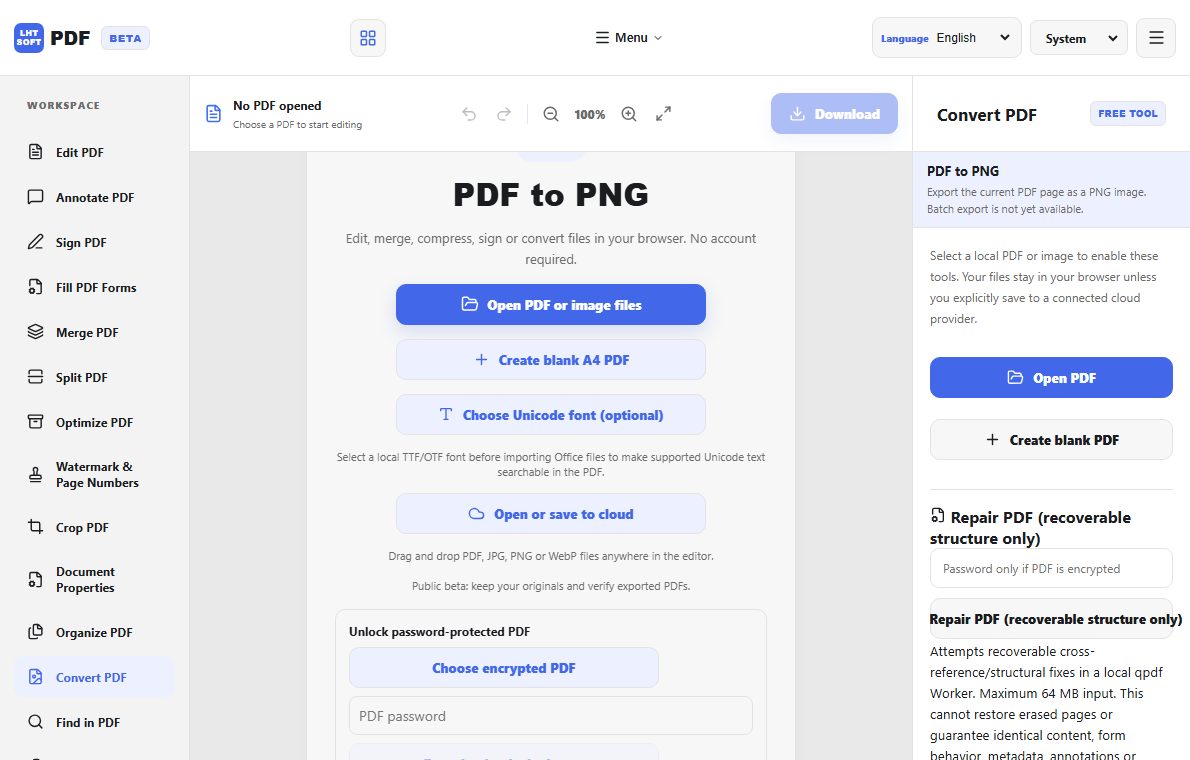
Choose page rendering or image extraction
For a full page that includes text and layout, use PDF-to-PNG. To retrieve only photographs embedded within a PDF, use an extract-images tool instead. Pick the workflow based on the object you need.
Match resolution to the destination
Small screen previews do not need the same pixels as a printed poster. Increase resolution when small type must remain legible, but expect larger files and longer processing time. Inspect a dense-text page at its intended display size.
Handle multi-page documents deliberately
A conversion can produce many numbered images. Confirm the pages appear in the expected order and check which are blank or rotated. Package files with clear names before sharing to avoid mismatched page numbers.
Protect document meaning
Links, selectable text, annotations and forms generally do not survive as interactive elements in PNG. If accessibility or searching is required, provide the original PDF alongside the images.