

Merge PDF Files Without Losing Page Order
Merging PDFs is easy to start and surprisingly easy to get wrong. Decide how the resulting document should read before uploading anything, especially if individual files have cover pages, different page sizes or repeated appendices.
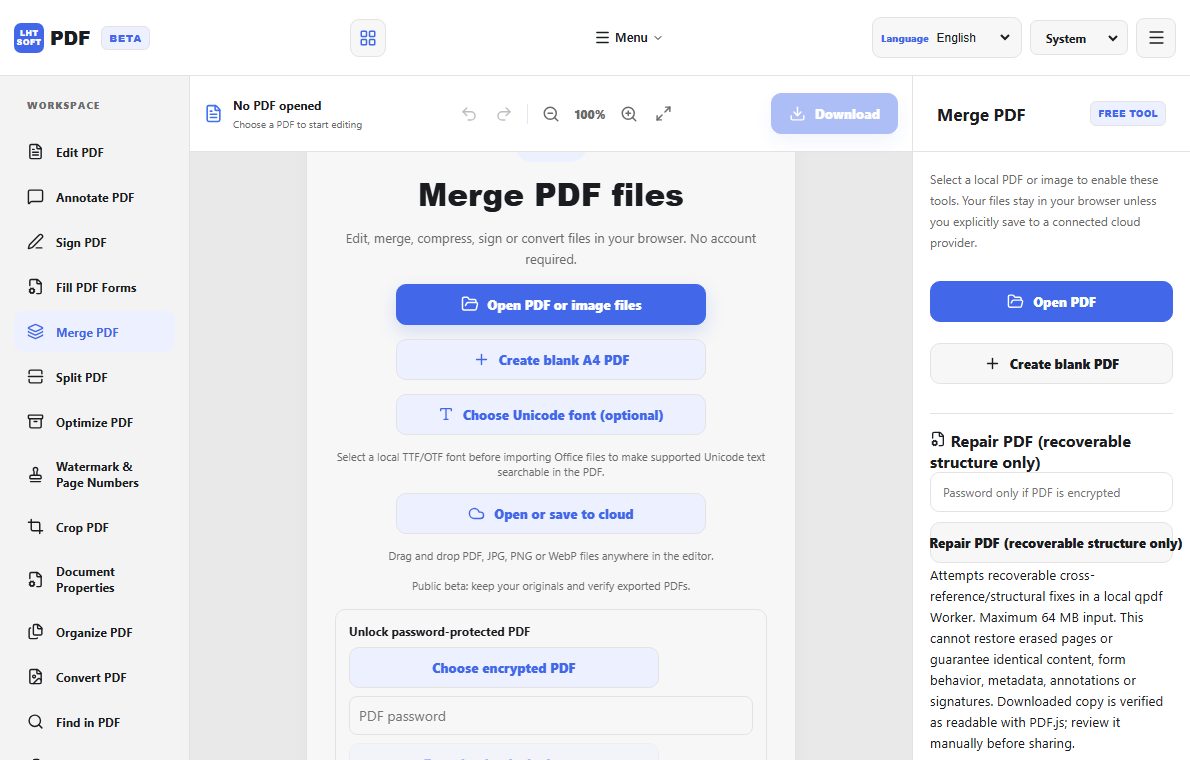
Plan the final reading order
Write a short sequence such as cover, executive summary, body, exhibits and appendices. Rename source files with numerical prefixes if their filenames sort differently from the intended order. Do not rely on upload order as your only record.
Check page size and orientation
A combined document may contain portrait and landscape pages. Preview the boundary between files and check whether rotated scans still read correctly. Combining files does not automatically normalize margins or printed page numbering.
Preserve the source and verify the export
Keep unmodified originals in a separate folder. After merging, open the final PDF and check its first page, each file boundary, the last page and total page count. If bookmarks or form fields matter, confirm they survived the specific merge operation.
Share the right version
Use a neutral filename including the document purpose and version. Before sending, check for duplicate pages, confidential attachments and unintentional blank pages; those errors are harder to spot after a document has circulated.