

JPG, PNG or WebP? Choose the right image format
Image formats are not interchangeable in every situation. An output format should match the content of the image and where it will be used.
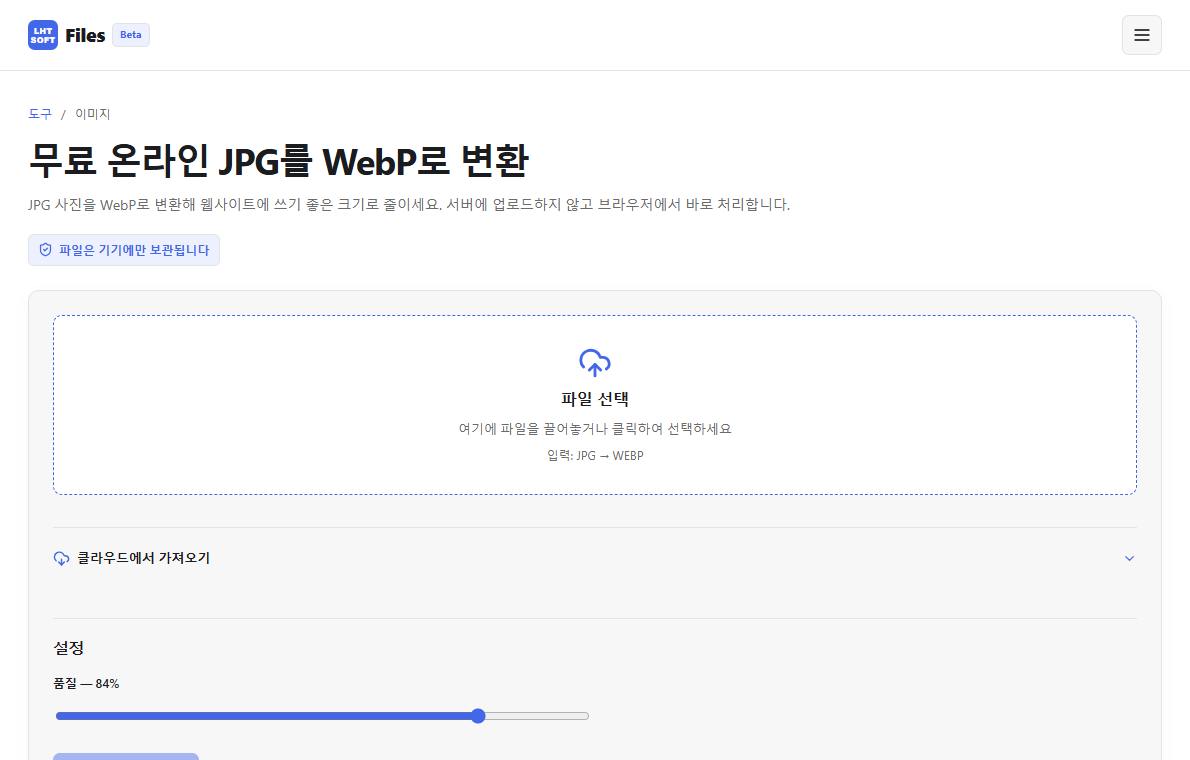
Use JPG for typical photographs
JPG is widely supported and often suitable for photographs without transparency. Repeatedly saving a JPG can introduce additional quality loss, so keep a source copy if you expect more edits.
Use PNG when transparent backgrounds matter
PNG is useful for graphics, screenshots, logos and images requiring an alpha channel. A photo saved as PNG may become substantially larger without looking better.
Consider WebP for web-facing images
WebP can provide smaller files for many photos and graphics and can support transparency. Verify compatibility with the destination service or software before relying on it.