

Photo Editor or Design Editor: which one should you use?
Editing an existing photo and creating a visual layout solve different problems. Choose based on the file you need to produce, not just whether both tools can display an image.
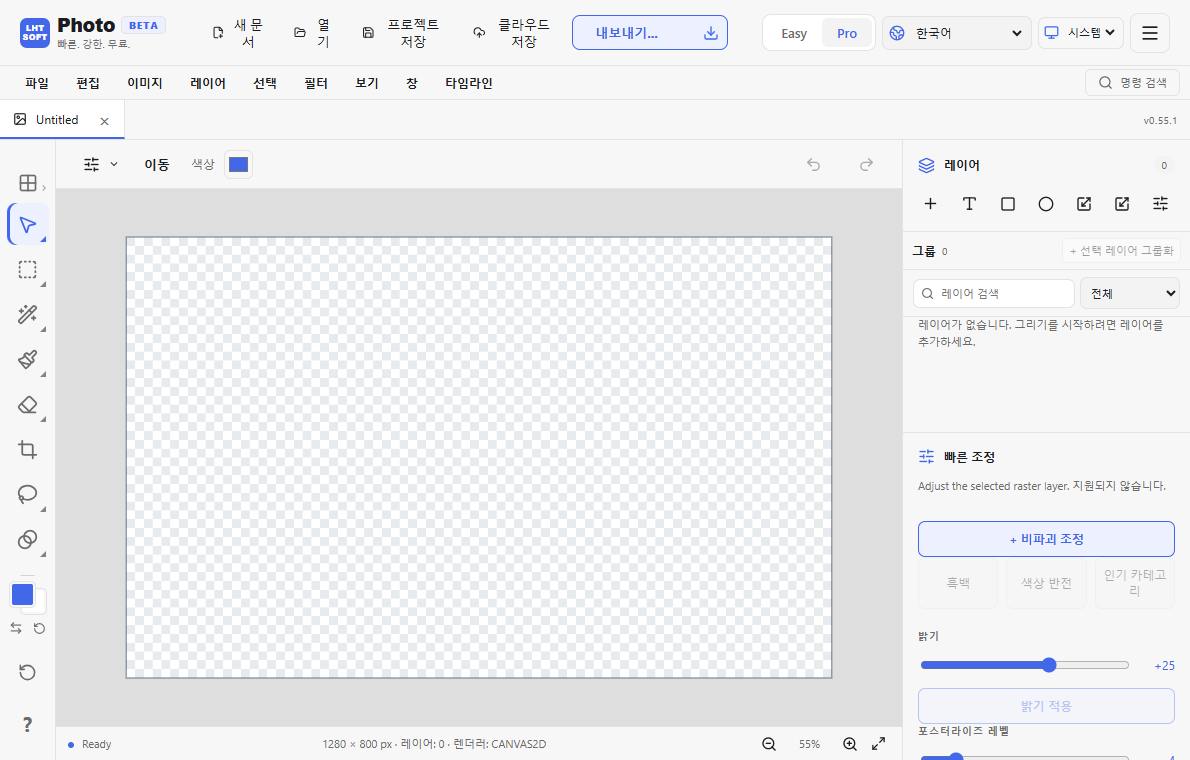
Start with your input
If you have a photo to improve—exposure, crop, retouching or separating an object from its background—start with Photo Editor. If you need a poster, invitation, social graphic or multi-element layout, start with Design Editor.
Check the output before you begin
For photo corrections, preserve the original image and work on a copy. For a layout, decide the target dimensions first so that text margins and image placement remain consistent.
A simple decision test
Ask whether the final result is mainly one improved image or a composition of text, shapes and images. Choose Photo for the first and Design for the second. For a combined workflow, export the edited image from Photo and place it in Design.