Count weekdays between two dates
Plan deadlines using weekdays.
Step 1
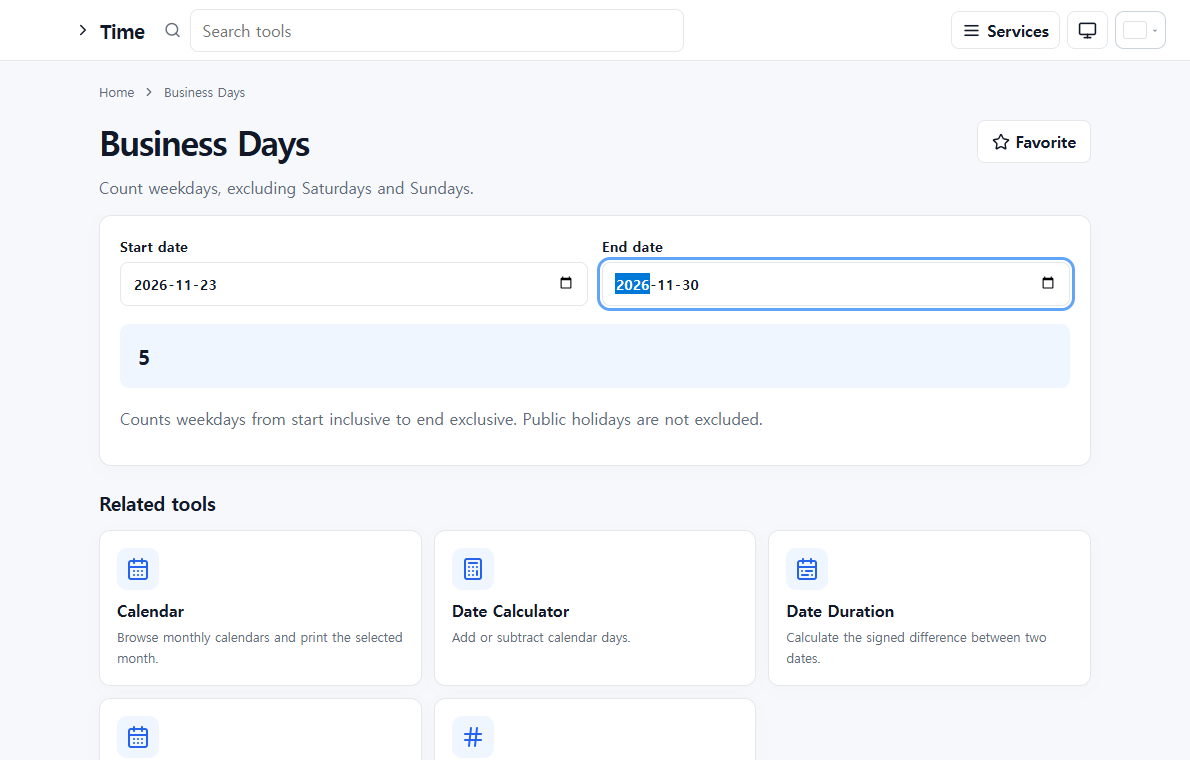
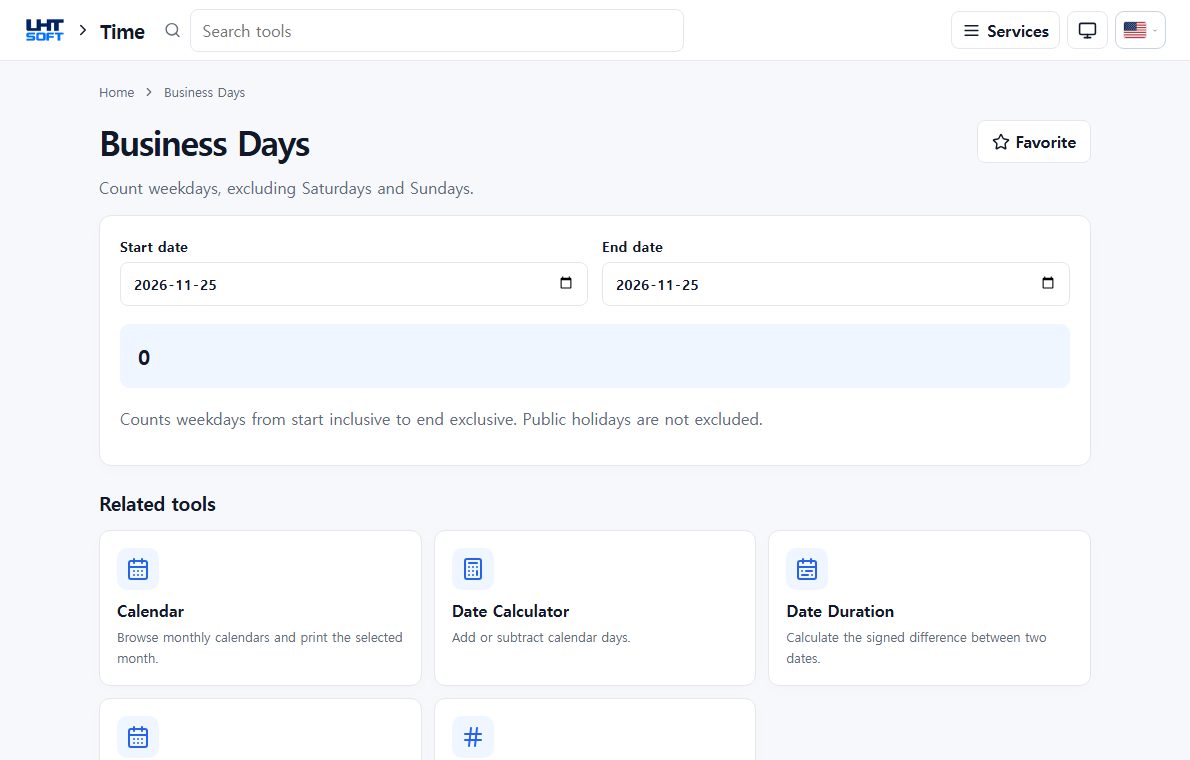
Enter start and end dates. The start is included; the end is excluded.
Step 2
Example: 2026-11-23 to 2026-11-30 gives five weekdays, Monday to Friday.
Step 3
Only Saturday and Sunday are excluded, not public holidays.
Step 4
To include the deadline, enter the following day. Check local holidays separately.
Try this example
Input
URL: https://time.lhtsoft.com/business-days-calculator
Expected check
2026-11-23 → 2026-11-305 weekdays
Production test results
Observed output: 2026-11-23 → 2026-11-30 · 5 weekdays
Independent check: Mon–Fri = 5; Sat–Sun = 0
This result applies only to the sample and settings shown; other files may behave differently.